Restore an old photo
Remove scratches, noise, and fading while preserving faces and period details.
- Format
- 4:3
- Cost
- 4 💎
What photo works
- Upload a scan or a glare-free photo of the original. The result will be carefully restored and naturally colorized.
About this template
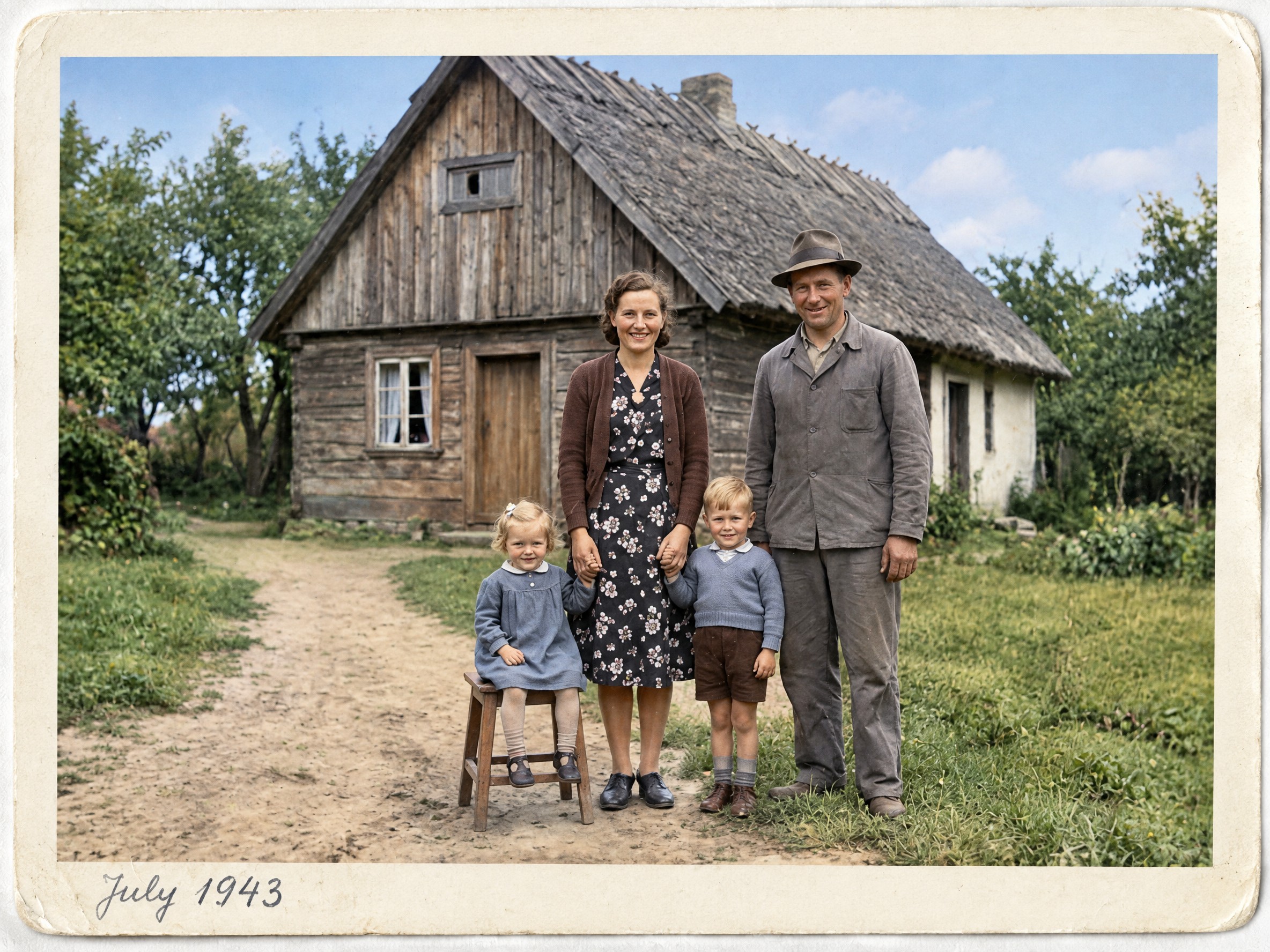
This template restores an old photograph by reducing visible scratches, dust, creases, and fading, improving contrast, and gently colorizing a black-and-white image. Its goal is to retain the people, clothing, poses, and period feel of the original frame. The output is an edited copy, not evidence of the exact colors present when the photo was taken. Treat color in the new version as an interpretation.
A scan or a straight, glare-free photo of the print works best. Faces should be large enough to see clearly. If the original is badly blurred, stained over a face, or missing part of the picture, the model may infer details; compare the result with the source before sharing it with family or printing it. Keep important writing and image edges inside the source frame if you want them retained.
The output is a 4:3 image, and one run costs 3 💎. This is not a substitute for professional archival restoration where the accuracy of every historical detail matters. For a family collection, keep the untouched original alongside the restored version.
Use the result in a digital archive, a family story, a memorial gift, or a slideshow. If the first version changes a face or makes the colors too strong, try a better scan and compare the new results against the original.
How it works
- 1
Upload a photo
Choose a suitable source image from your device.
Upload a scan or a glare-free photo of the original. The result will be carefully restored and naturally colorized.
- 2
Run the template
The prompt, model, and settings are already configured for the intended result.
Create for 4 💎
- 3
Download the result
Your finished creation will appear in your feed after processing.
Format 4:3
Questions
- Do I need to scan the print?
- A scan gives a flatter source, but a clear photo of the print without glare or perspective distortion also works.
- Will faces and clothing stay the same?
- The template is instructed to preserve people and period details. Compare the output with the original when the source is badly damaged; missing details may be inferred.
- Are the new colors historically exact?
- No. Colorization of a black-and-white photo is an interpretation, not a verified record of the original colors.
- What are the format and price?
- The result is 4:3. One run costs 3 💎; keep the original photograph separately.