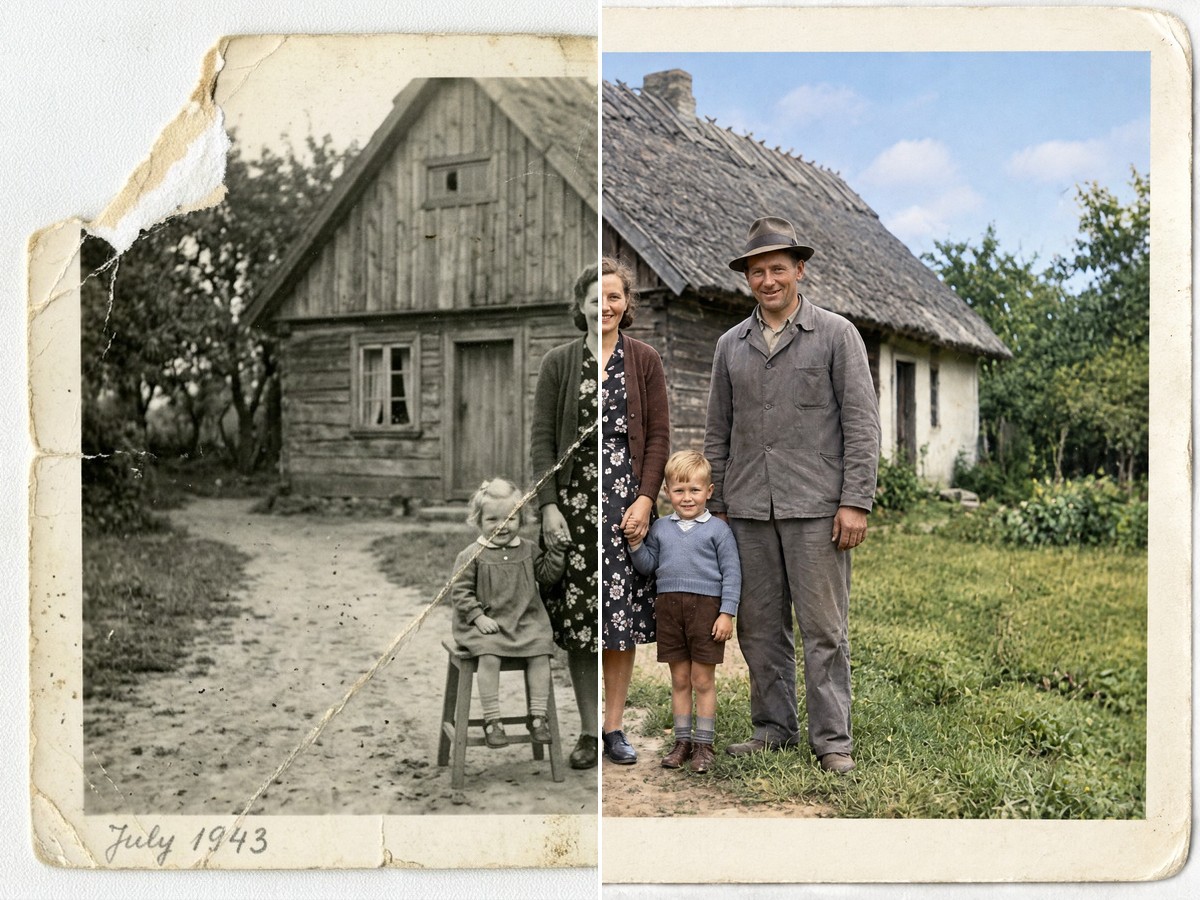
Remove background
Get a transparent-background PNG without manual tracing.
- Format
- Same as the original
- Cost
- 3 💎
What photo works
- Upload a person, animal, or product photo. A sharp image with the whole subject in frame works best.
About this template
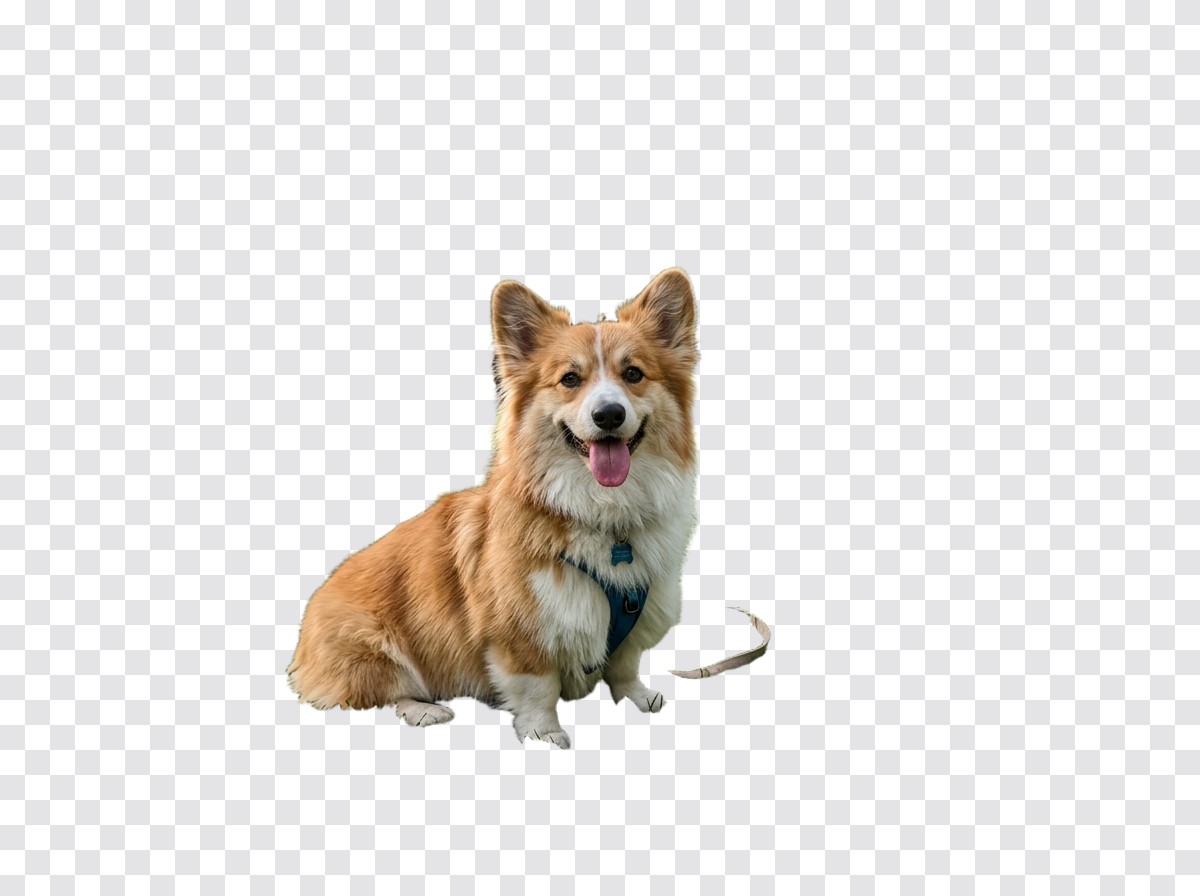
This template removes the background around a person, animal, or product and returns a PNG with transparency. You can place the cutout on a new backdrop, use it in a product listing, or add it to a presentation. The subject remains the main content of the image; the surroundings are removed. Inspect the result before publishing, especially around hair, fur, translucent objects, and soft shadows.
Upload a sharp photo with the whole subject inside the frame and a visible boundary against the background. If the original has already cropped off a head, paw, or part of a product, background removal cannot restore what is missing. A busy backdrop in colors close to the subject also makes fine edges harder to separate. For a product listing, start with one item and avoid hands or other objects in the shot.
The output is a transparent PNG. Its proportions follow the source image rather than a newly designed composition. One run costs 2 💎. After downloading, inspect the file on both a light and a dark background; that makes leftover pixels and bright halos easier to spot.
Use the cutout for an avatar, collage, ad banner, or product visual when manual masking would take too long. If an edge looks rough, try another source with a clearer separation between the subject and its surroundings.
How it works
- 1
Upload a photo
Choose a suitable source image from your device.
Upload a person, animal, or product photo. A sharp image with the whole subject in frame works best.
- 2
Run the template
The prompt, model, and settings are already configured for the intended result.
Create for 3 💎
- 3
Download the result
Your finished creation will appear in your feed after processing.
Format Same as the original
Questions
- Will the file really have no background?
- Yes. The result is a PNG with transparency around the subject. Check fine edges against a contrasting background after download.
- Can I use a photo with hair or fur?
- Yes, but inspect fine strands and fur. Their edges can be less precise against a busy background.
- Should I crop the subject before uploading?
- No. Keep the whole subject and a little space around it; the template cannot recover parts already cropped away.
- How much does background removal cost?
- One run costs 2 💎. You can download the finished PNG and use it in your layout.