
Try on hairstyles
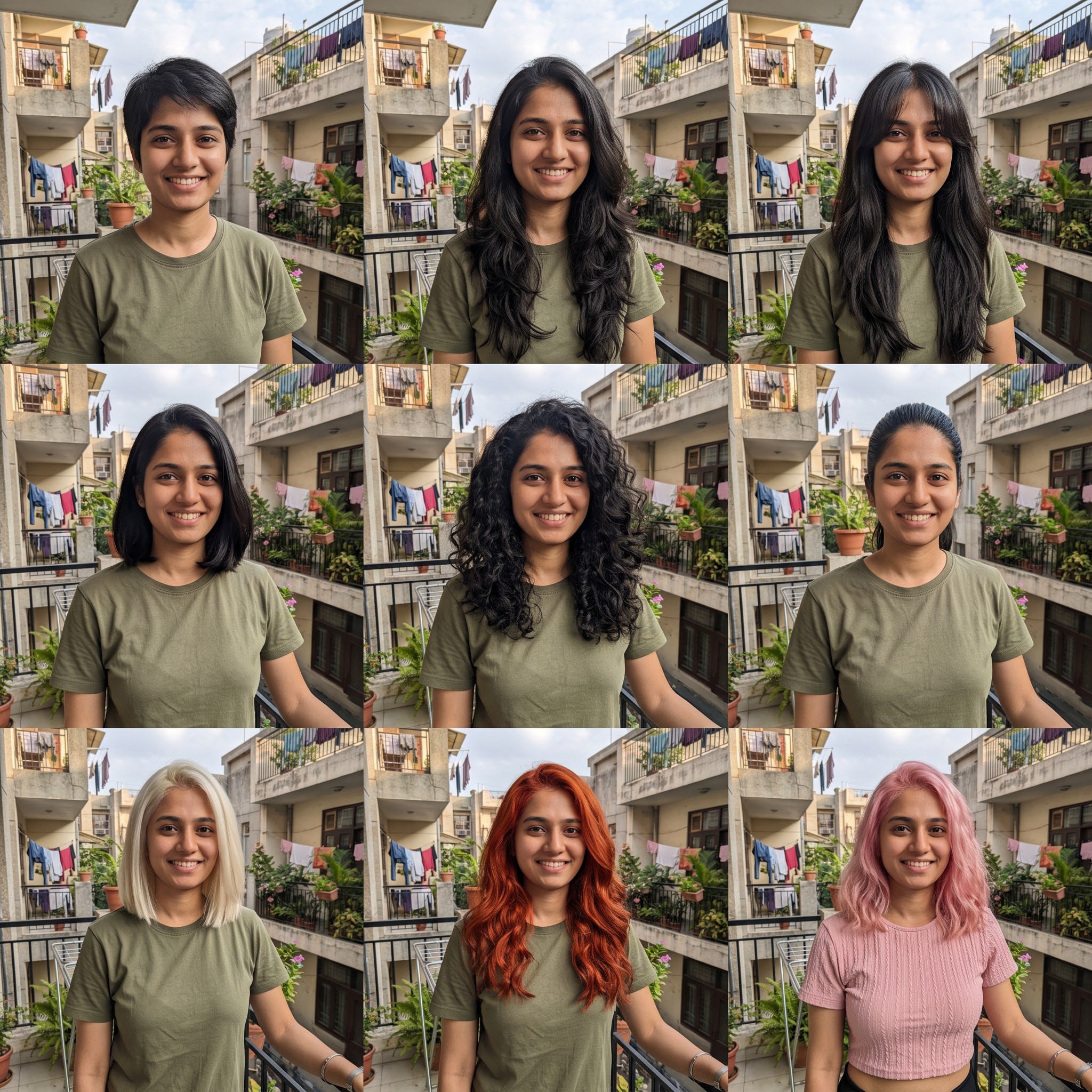
Nine haircuts and hair colors on your own face in one grid, so you can pick a look before the salon.
- Format
- 1:1
- Cost
- 7 💎
What photo works
- Upload a front-facing photo in even light. Keep hair off your face and take off any hat.
About this template
This template shows nine hairstyle ideas on the same face. The 3×3 grid changes length, styling, shape, and color, from a short cut to long waves and bright shades. Face, expression, clothing, and background are meant to stay consistent so the options are easier to compare. It is a visual try-on to discuss with a stylist, not a precise prediction of how your hair will behave after cutting or dyeing.
Upload a front-facing photo in even light. Keep hair off the face and remove any hat so the model can see your hairline, face shape, and eyes. A strong side angle or group picture makes the nine-cell comparison less consistent. After generation, inspect whether facial features and lighting are the same across every option; grids can introduce small differences beyond the hair.
The result is one square 1:1 file containing nine views, not nine separate photographs. One run costs 4 💎. You can crop a favorite look from the grid, though it will have less detail than a full-size standalone portrait.
Use the sheet as a reference for a hairstylist, to ask friends for opinions, or to compare lengths and colors yourself. Before changing your real hair, discuss texture, maintenance, and the practicality of the chosen shade with a professional.
How it works
- 1
Upload a photo
Choose a suitable source image from your device.
Upload a front-facing photo in even light. Keep hair off your face and take off any hat.
- 2
Run the template
The prompt, model, and settings are already configured for the intended result.
Create for 7 💎
- 3
Download the result
Your finished creation will appear in your feed after processing.
Format 1:1
Questions
- Will I receive nine separate files?
- No. The nine looks appear in one square 3×3 sheet that you can download and crop if needed.
- Will my face change between looks?
- The prompt asks for the same face and expression in every cell. Inspect the grid, as small differences can still appear.
- Which photo should I upload?
- A front-facing portrait in even light, with a clear face and no hat.
- Can I use this as exact haircut instructions?
- Treat it as a visual reference. Discuss the actual cut, color, and upkeep with a stylist who can assess your hair.
Similar templates
More templates in People & portraits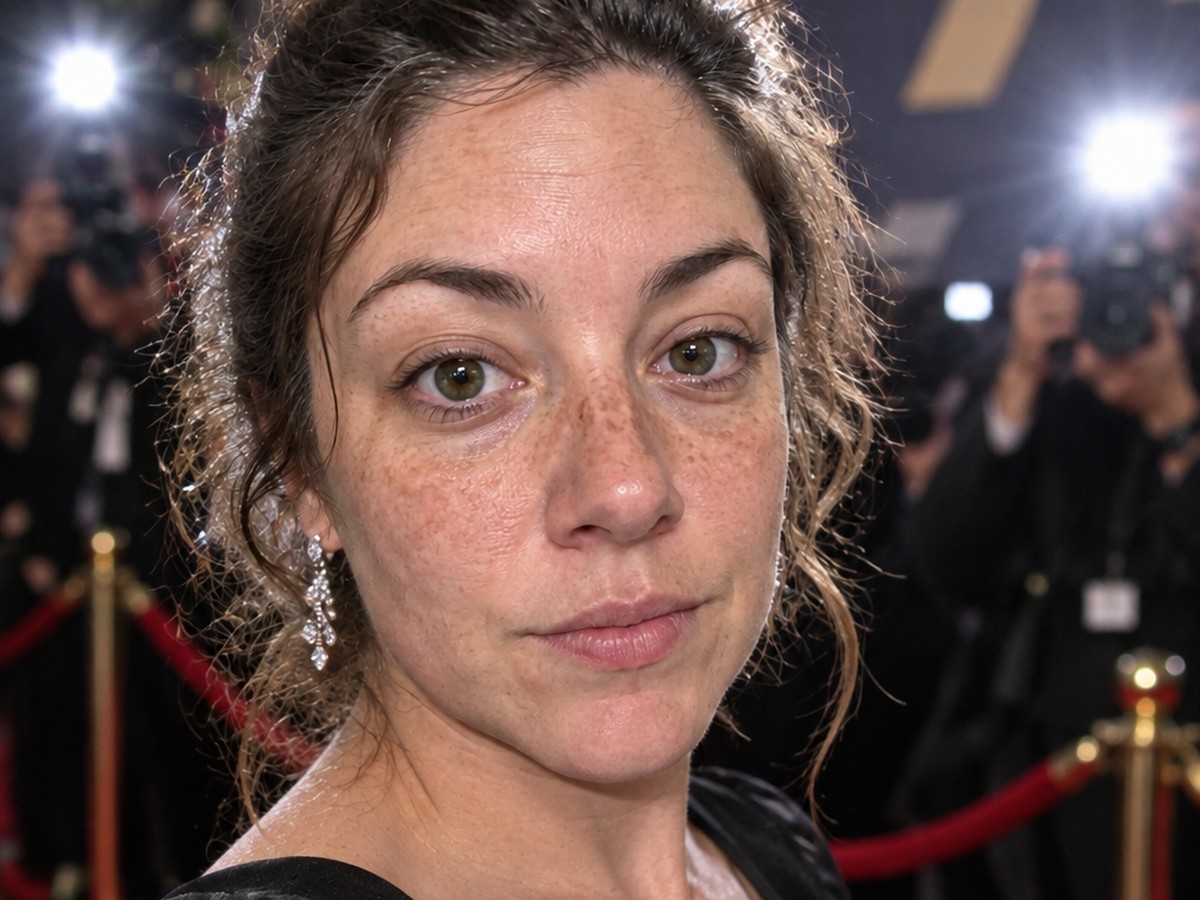
Red carpet shot
You on the red carpet at a premiere — flashes, eveningwear, still unmistakably you.
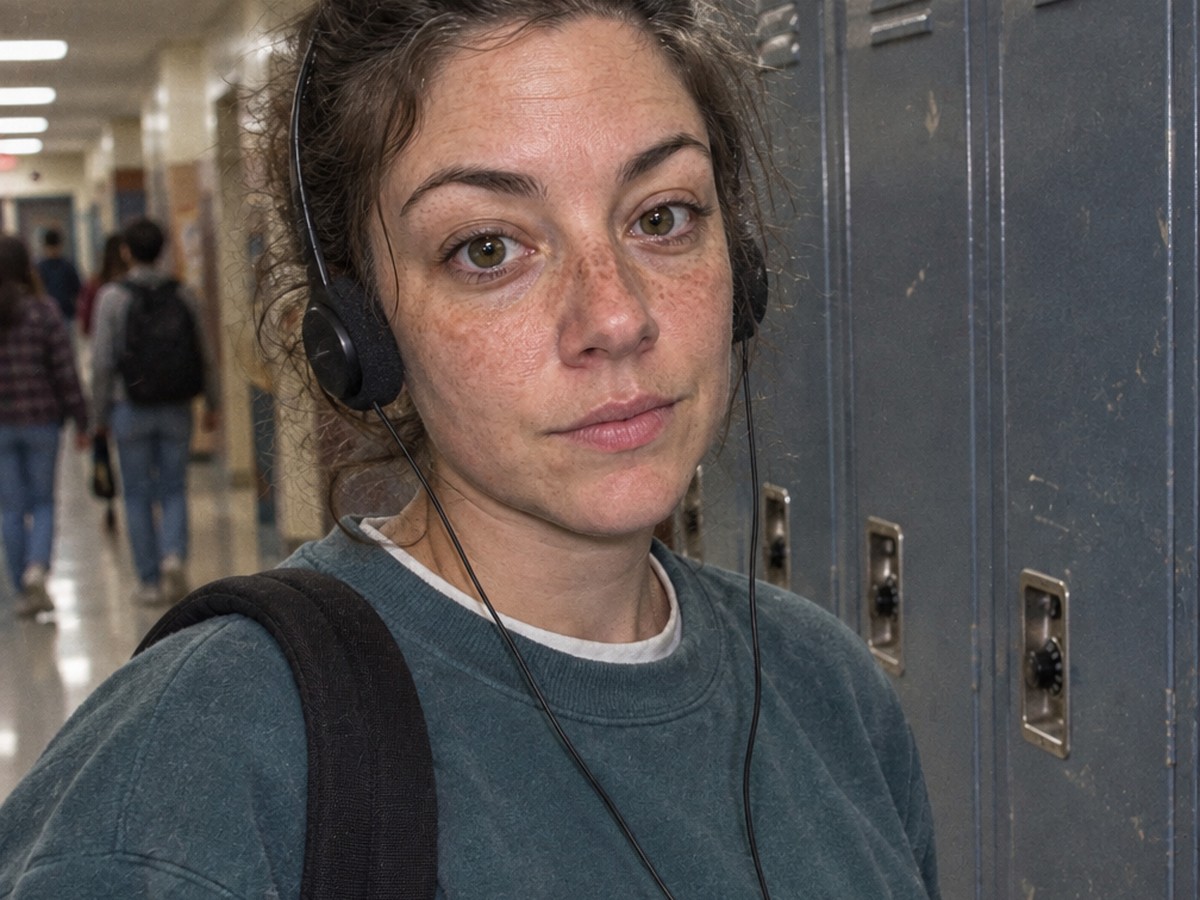
90s lockers + Walkman
You in a 90s school hallway by the lockers with a cassette Walkman — still clearly you.

Business portrait
A professional photo for a CV, website, or LinkedIn.
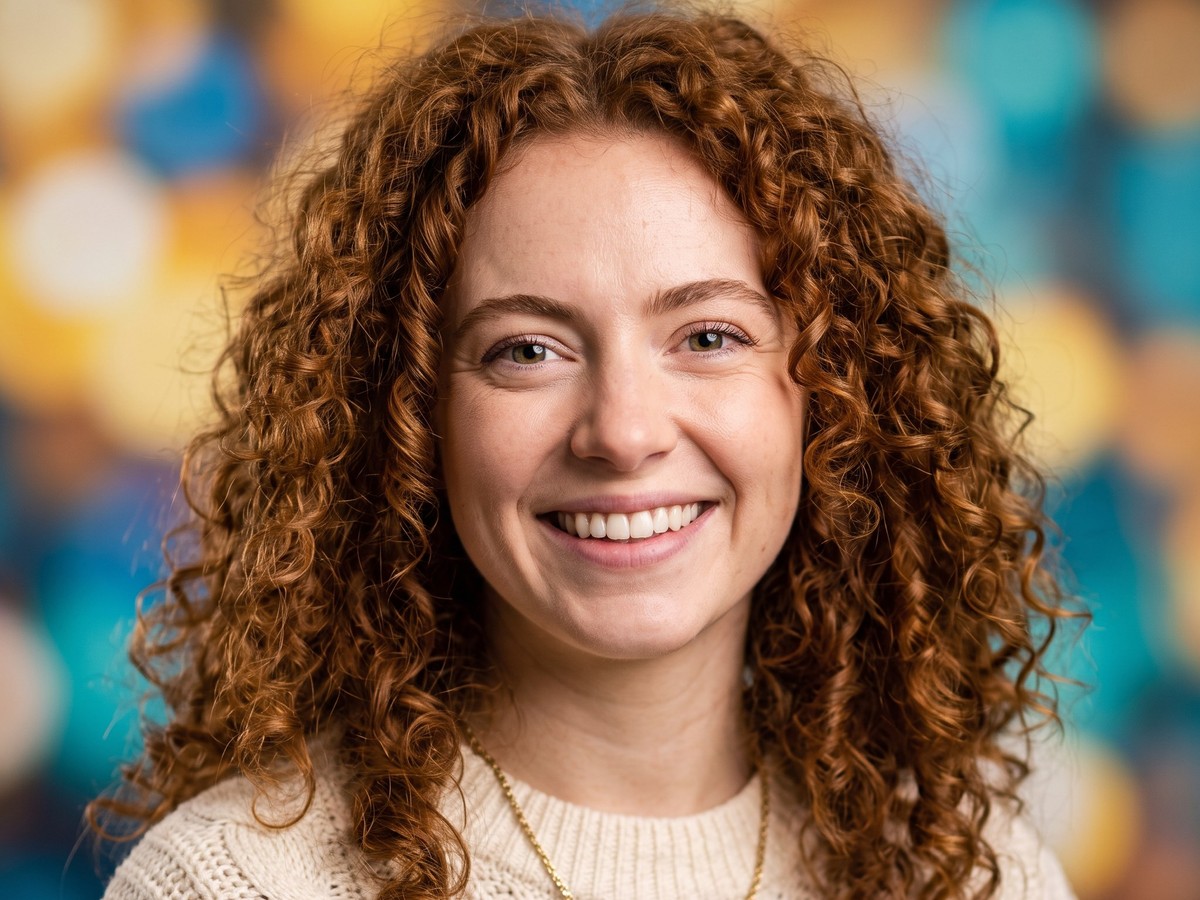
Profile photo
A lively avatar for social media and messaging apps.