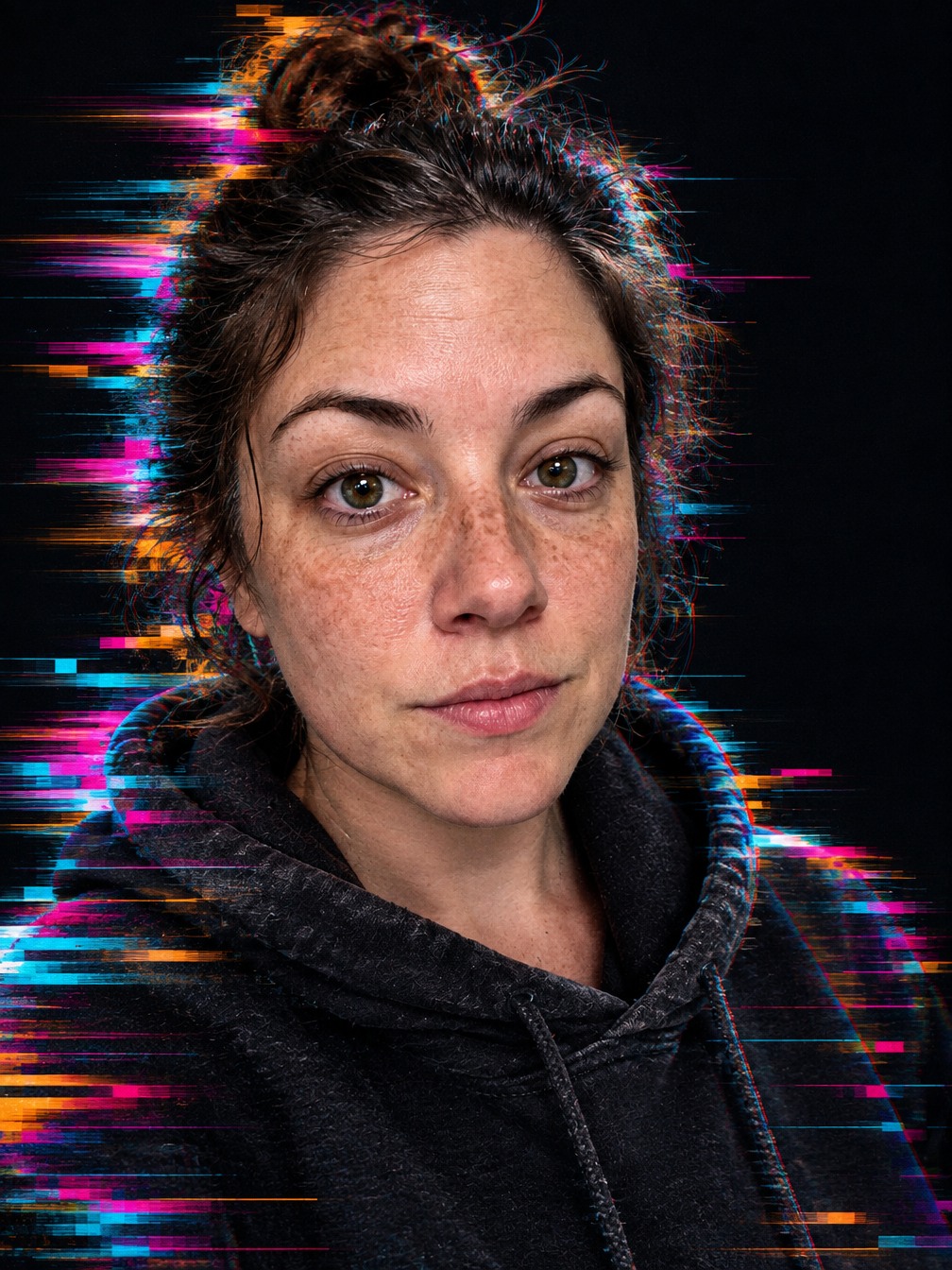
Datamosh glitch portrait
Create a modern portrait with controlled datamosh trails, pixel shifts and a clearly readable face.
- Format
- 3:4
- Cost
- 4 💎
What photo works
- Upload a close portrait of one person with a clearly lit face.
About this template
This template creates a modern editorial portrait with controlled digital distortion. The center of the face stays sharp while hair and shoulders extend into horizontal pixel trails, small RGB offsets and compression blocks. The effect is deliberate and polished rather than resembling a damaged low-resolution file.
Use a close portrait of one person with even lighting and an unobstructed face. A dark backdrop strengthens the colored accents and helps separate the face from the digital trails. A tiny or covered face increases the risk of repeated eyes or mouths, so inspect the result carefully.
The finished image can work for music artwork, a technology-themed post or an avatar. It is a still-image interpretation of datamosh, not a corrupted video file. Before sharing, check facial symmetry, the eyes and the edges of the colored trails.
How it works
- 1
Upload a photo
Choose a suitable source image from your device.
Upload a close portrait of one person with a clearly lit face.
- 2
Run the template
The prompt, model, and settings are already configured for the intended result.
Create for 4 💎
- 3
Download the result
Your finished creation will appear in your feed after processing.
Format 3:4
Questions
- Will the face be completely distorted?
- No. The central face stays sharp, while glitch effects extend from the hair and shoulders.
- Is this animated?
- No. The template creates one static 3:4 image.
- Which source works best?
- Use a close, well-lit portrait of one person against a quiet background.
- What should I inspect?
- Check the eyes, mouth and ensure no accidental duplicate face appears in the pixel trails.
Similar templates
More templates in Art & styles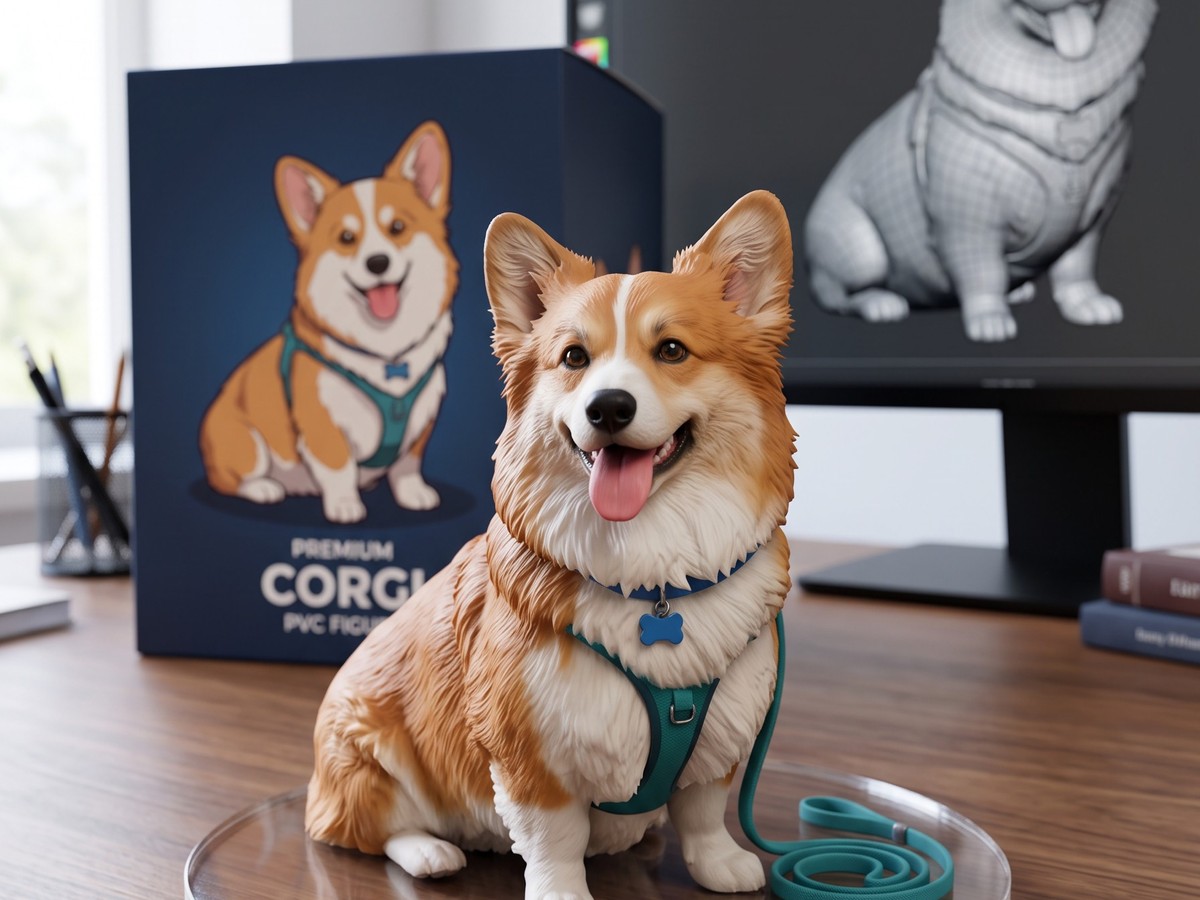
3D figurine
A collectible figurine made from your photo, on a stand with its box and a 3D model on the monitor.
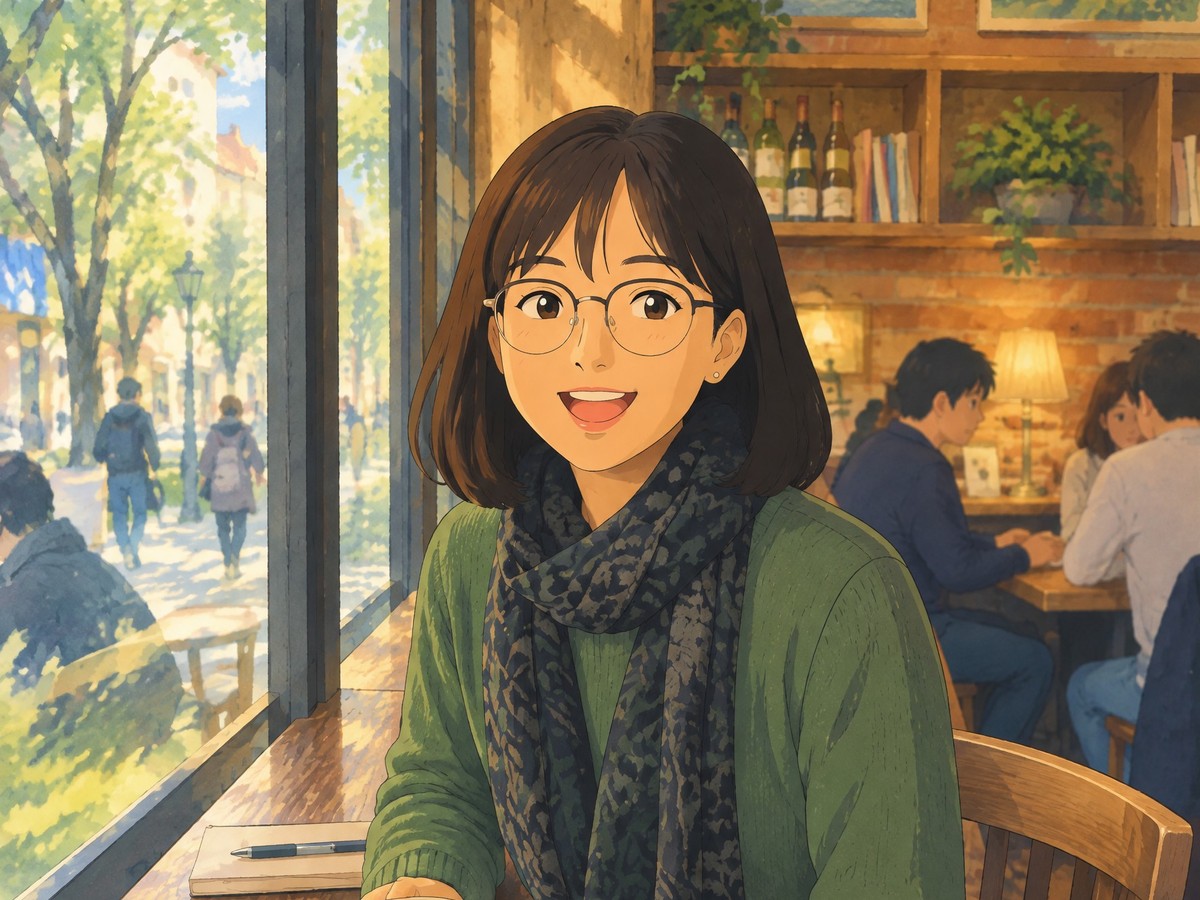
Anime film style
Your photo as a still from a hand-painted anime film, with watercolor backgrounds and warm light.
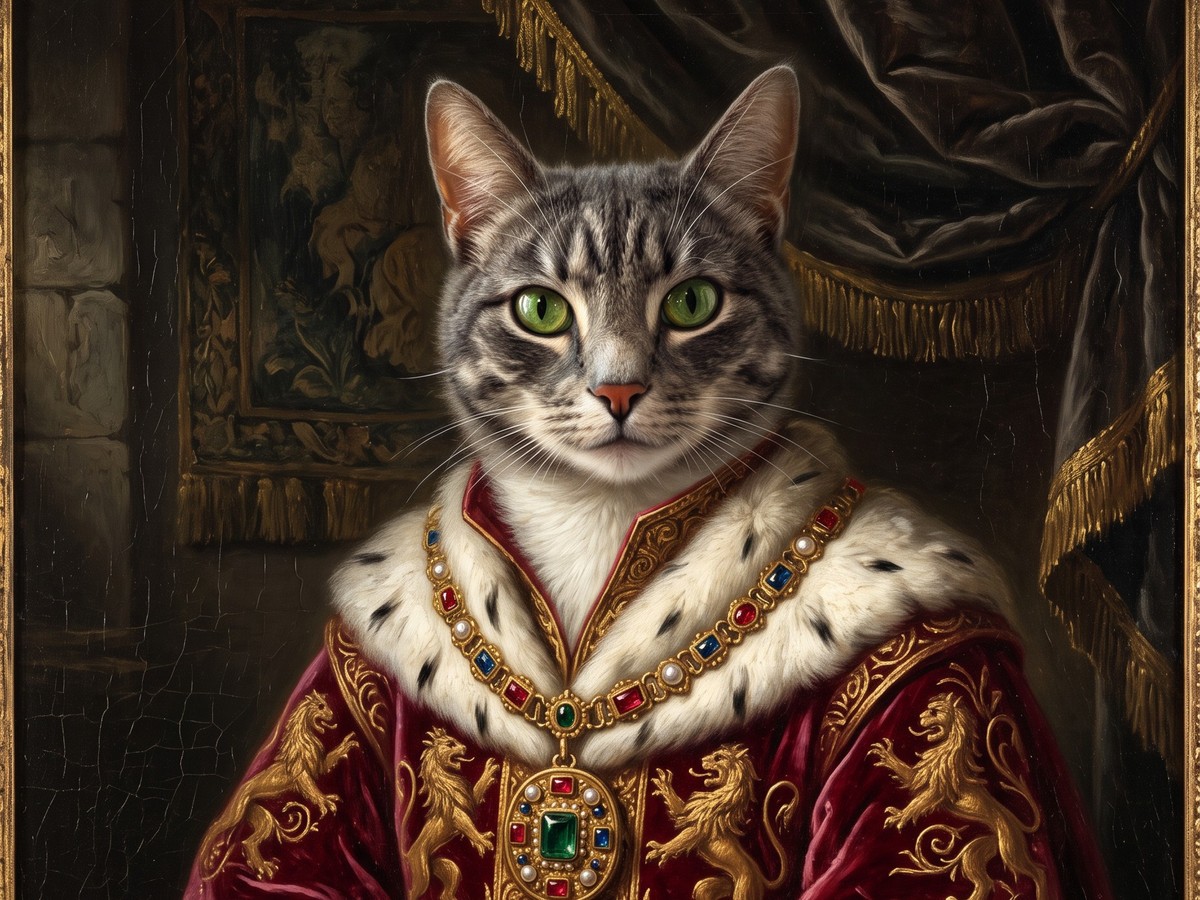
Royal pet portrait
Your cat or dog as a noble in a Renaissance oil painting, with velvet, gold and dramatic light.
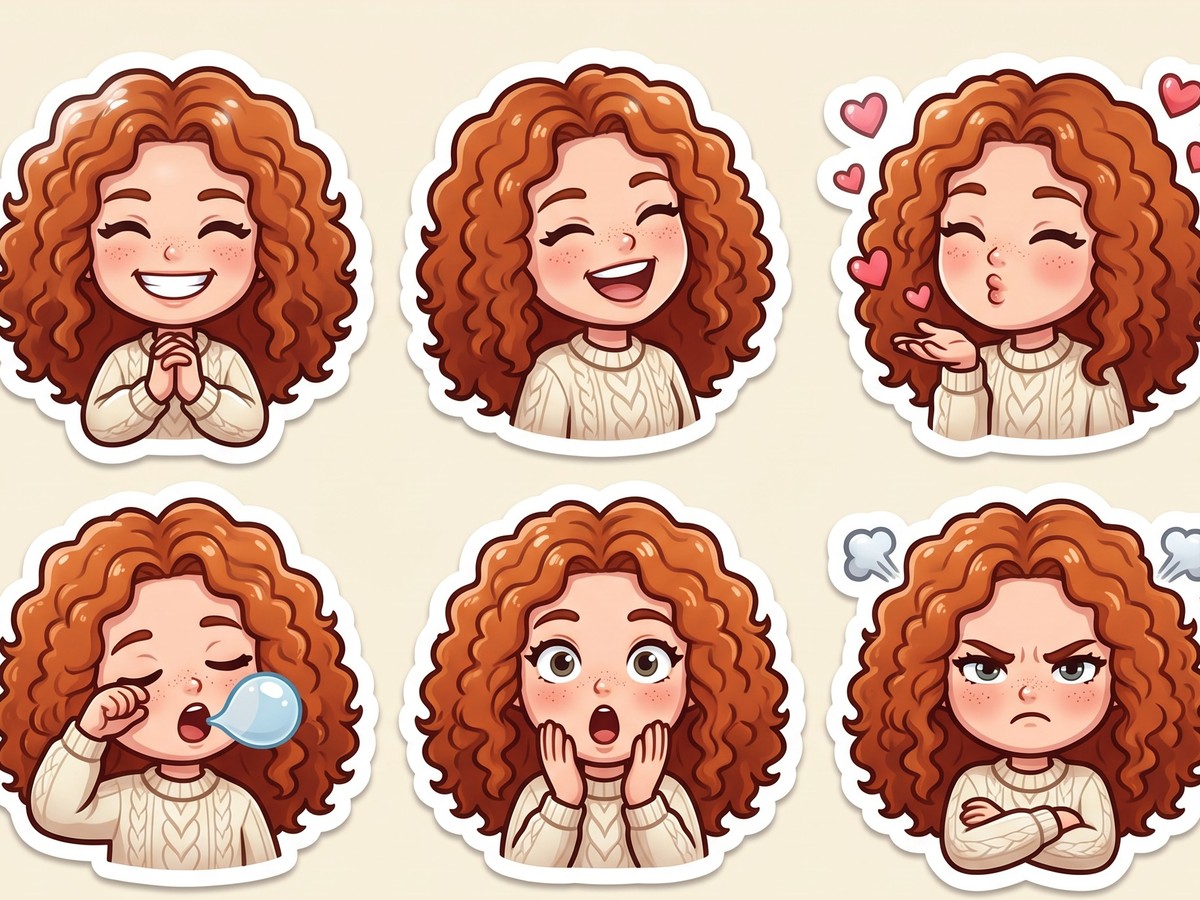
AI sticker pack
Nine cute chibi stickers of you or your pet with different emotions: joy, love, sleepy, surprised and more.